Mazes · Algorithm visualisation
Hidden text in a maze: four searches and your own video
Author: Grundy · Checked: November 1, 2026
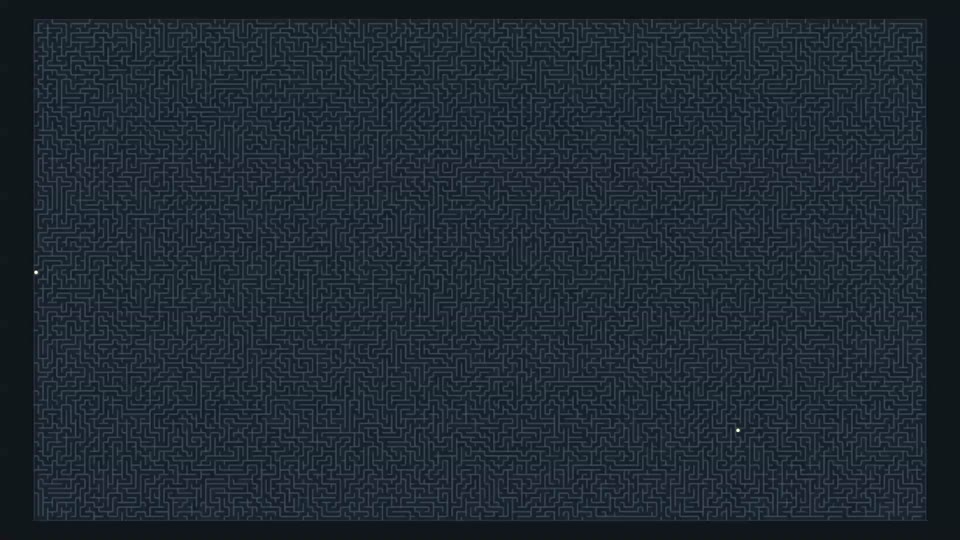
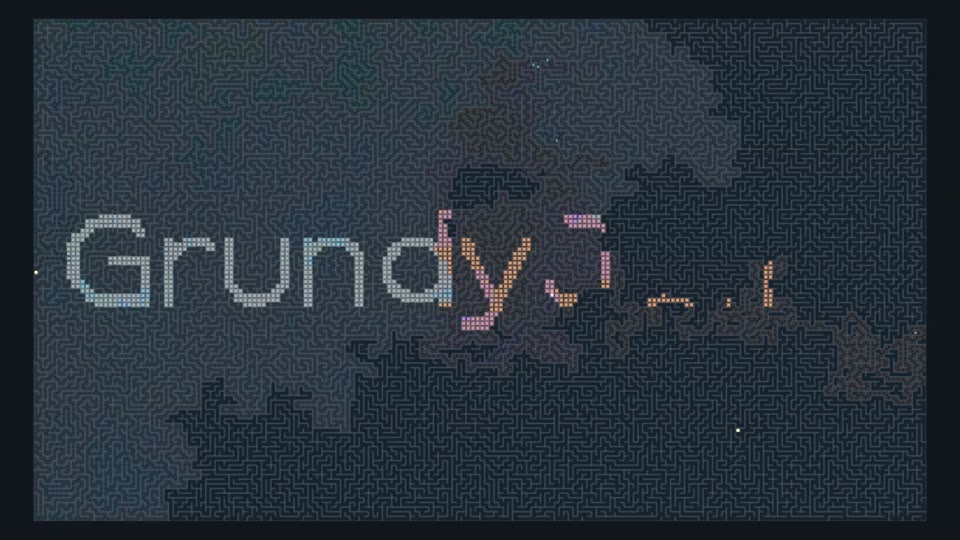
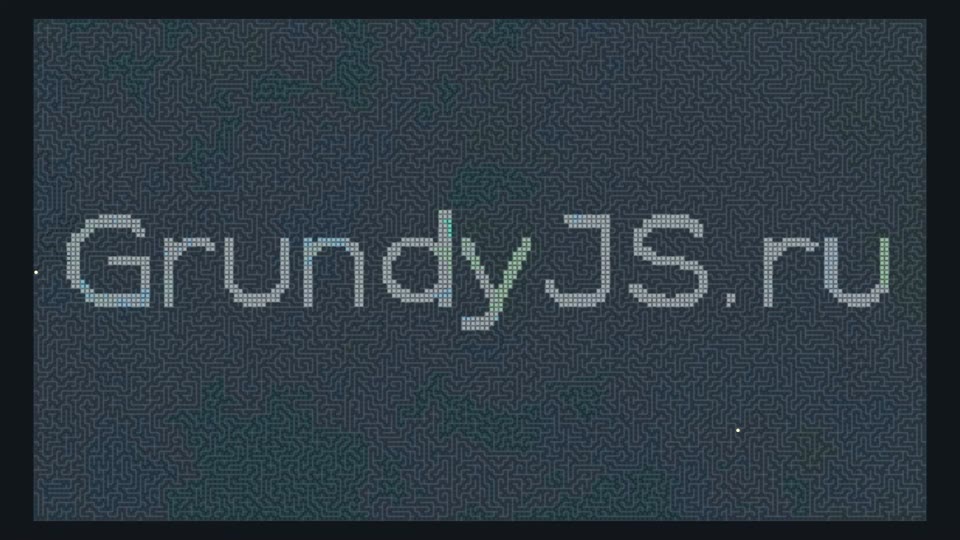
At first, you see an ordinary maze. Four searches branch through its passages and mix their trails, gradually revealing GrundyJS.ru. The walls do not follow the letters: colour creates the inscription. The idea behind the three-minute video is now available in a constructor where you can try your own text.
One maze, four rules
All searches share the walls, entrance and exit. Their next-cell rules differ. BFS explores distance layers from the entrance. DFS follows a branch and backtracks from dead ends. Among discovered but unprocessed cells, Greedy chooses the smallest estimated distance h to the exit. A* combines the best known distance from the entrance, g, with the remaining estimate, h: f = g + h. Movement uses four directions, each passage costs one step, and h is Manhattan distance: the sum of the coordinate differences.
| Search | Colour | Rule | Path |
|---|---|---|---|
| BFS | Cyan | Queue · distance layers | Finds a shortest path |
| DFS | Orange | Stack · branch exploration | Does not guarantee a shortest path |
| Greedy | Violet | Smallest h | Does not guarantee a shortest path |
| A* | Green | Smallest g + h | Finds a shortest path with this heuristic and unit passage costs |
The three-minute video example
The video uses a 192 × 108 grid: 20,736 cells, seed 20261032 and a mask of the logo lettering. The exit is the last cell in a complete BFS traversal, one of the farthest cells from the entrance. BFS therefore visits the whole field and reveals every letter. Other searches stop when they find the same exit. In the table, path length counts passages, and the inscription percentage measures visited cells in this particular logo mask.
| Search | Processed cells | Path length | Inscription revealed |
|---|---|---|---|
| BFS | 20,736 | 7,731 | 100% |
| DFS | 15,995 | 7,901 | 94% |
| Greedy | 16,107 | 7,731 | 90% |
| A* | 20,729 | 7,731 | 100% |
Different lettering can change its painted-cell percentage. A different seed or grid size can also change the routes.
What these results tell us
BFS and A* found a route of 7,731 passages. Greedy also found a shortest route in this example, but its rule does not guarantee that result in general. DFS returned a longer path. A* processed almost as many cells as BFS: the coordinate estimate did little to narrow the search through these winding passages. This is a selected visual scenario, not a random benchmark. Searches use a shared cell-processing pace, while video duration is set separately; it does not measure CPU execution time.
Make a maze with your own inscription
Enter up to 60 characters on one, two or three lines. Choose a font, frame format and detail level, select one or more algorithms, then build the maze. The seed produces repeatable passages. With the same grid dimensions and seed, changing text or font changes only the reveal mask. A different frame format or detail level changes the grid and therefore the maze.
- Enter the inscription and choose Geist, Geist Mono, Georgia or Verdana.
- Choose 16:9, 9:16 or 1:1, detail and seed. Select your algorithms.
- Build the maze and check its beginning, middle and ending on the timeline.
- Choose music and volume if you want sound. Save MP4 and wait for the file to finish.
Save a video with background music
Check the preview first: pause it and seek forwards or backwards. Choose a duration from 5 seconds to 20 minutes. Optionally select your own audio file up to 100 MB, listen to it and adjust the volume. Recording starts the music from the beginning; short tracks repeat, with fades at the beginning and end. Without a selected file, the video is silent. Save MP4 in horizontal, vertical or square format. Recording takes approximately real time, so keep the tab visible until it finishes.
A useful first comparison
Start with one line, medium detail and all four searches. Then change one setting at a time: only the algorithms, only the font or only the seed. Keep BFS selected if you want the entire inscription to appear. Without it, unvisited parts may remain dark: there is no extra decorative fill after search finishes. Test a short export before recording a long version. The music file is used in the browser and is not uploaded to a server; the resulting video stays on your device.